MMTA Email Segmentation
Saving email marketers time with an intuitive UI
Most email marketing platforms feature lackluster interfaces for segmenting audiences, so we sought to create a simpler, more dynamic experience using a single-page UI supported by data visualizations to make the process easier than ever.
Research
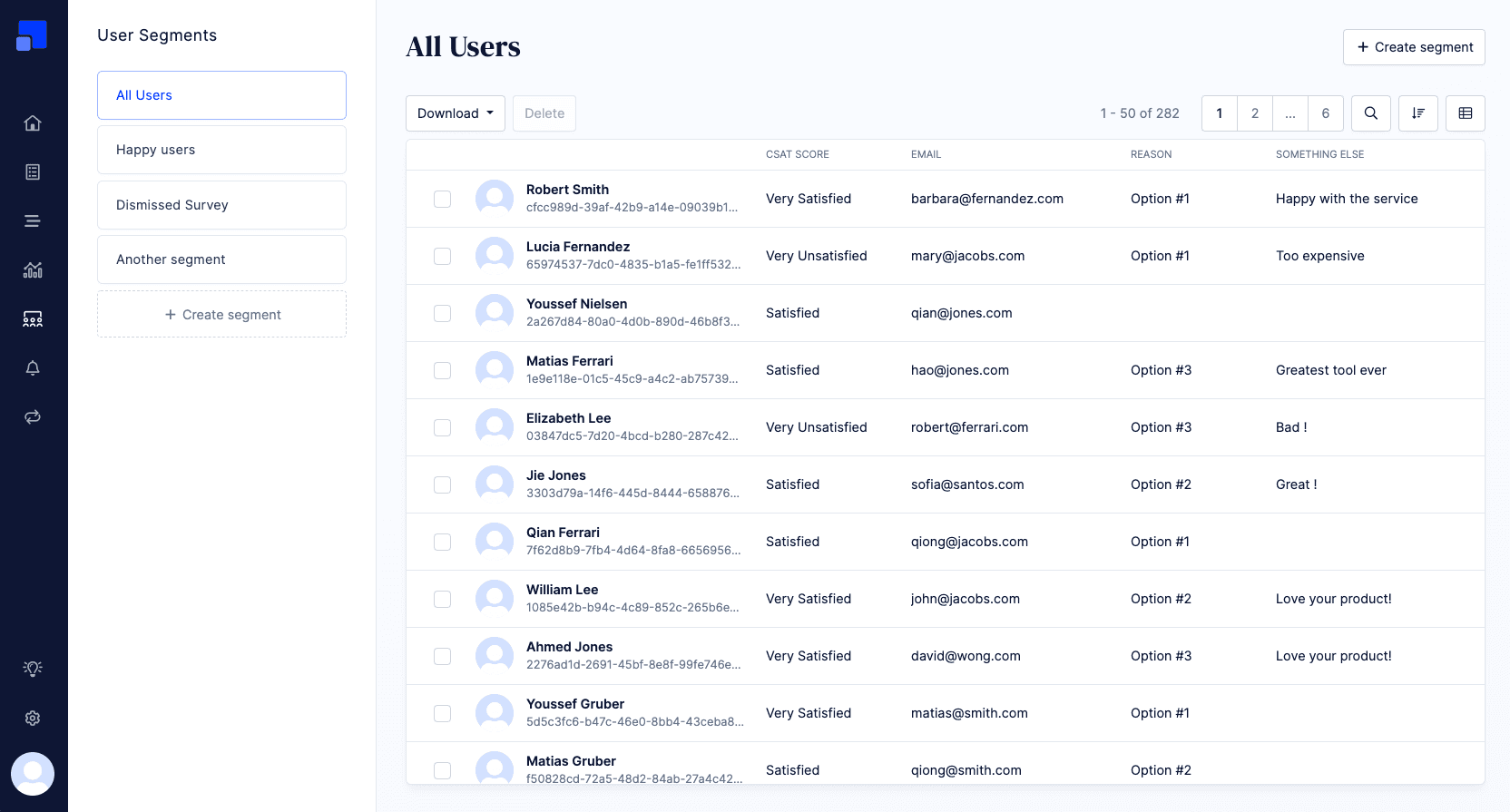
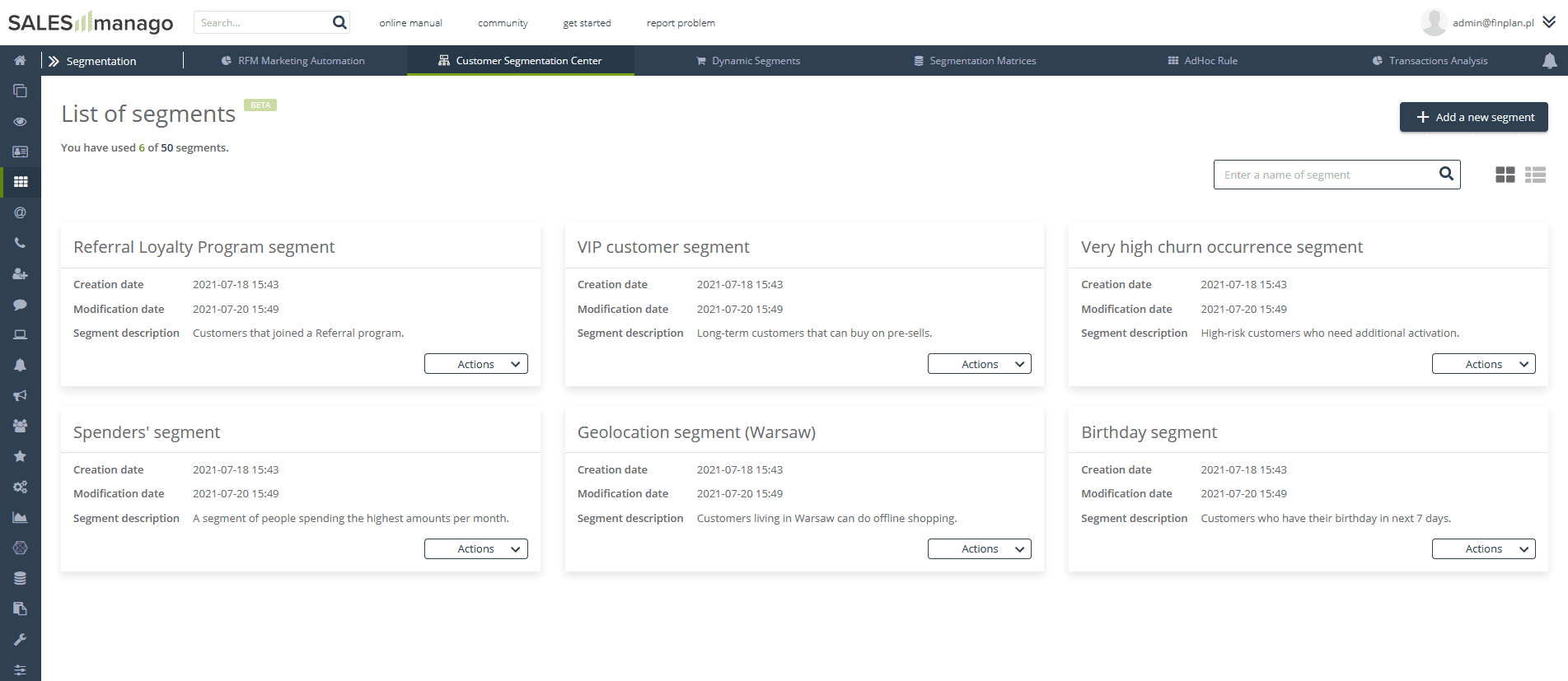
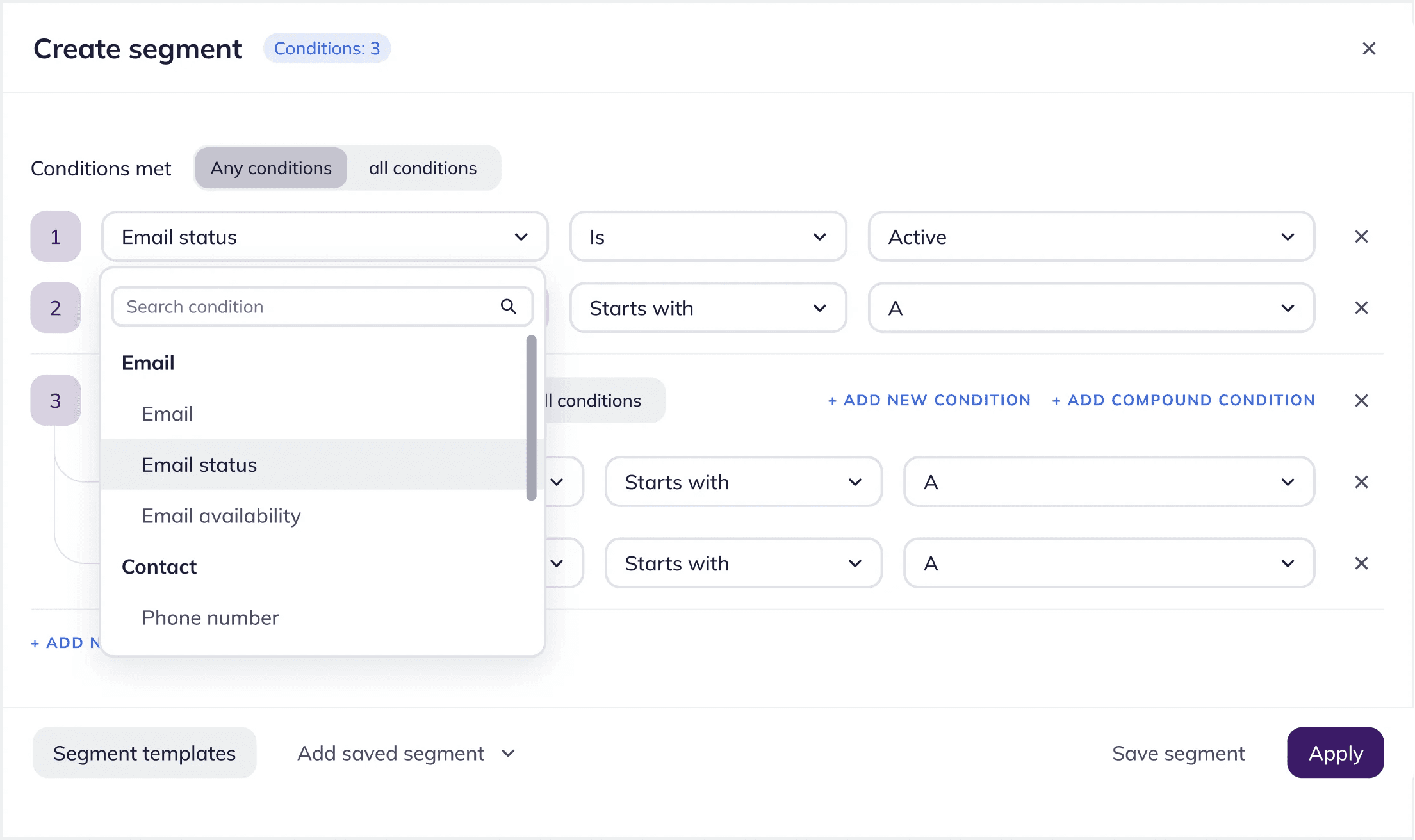
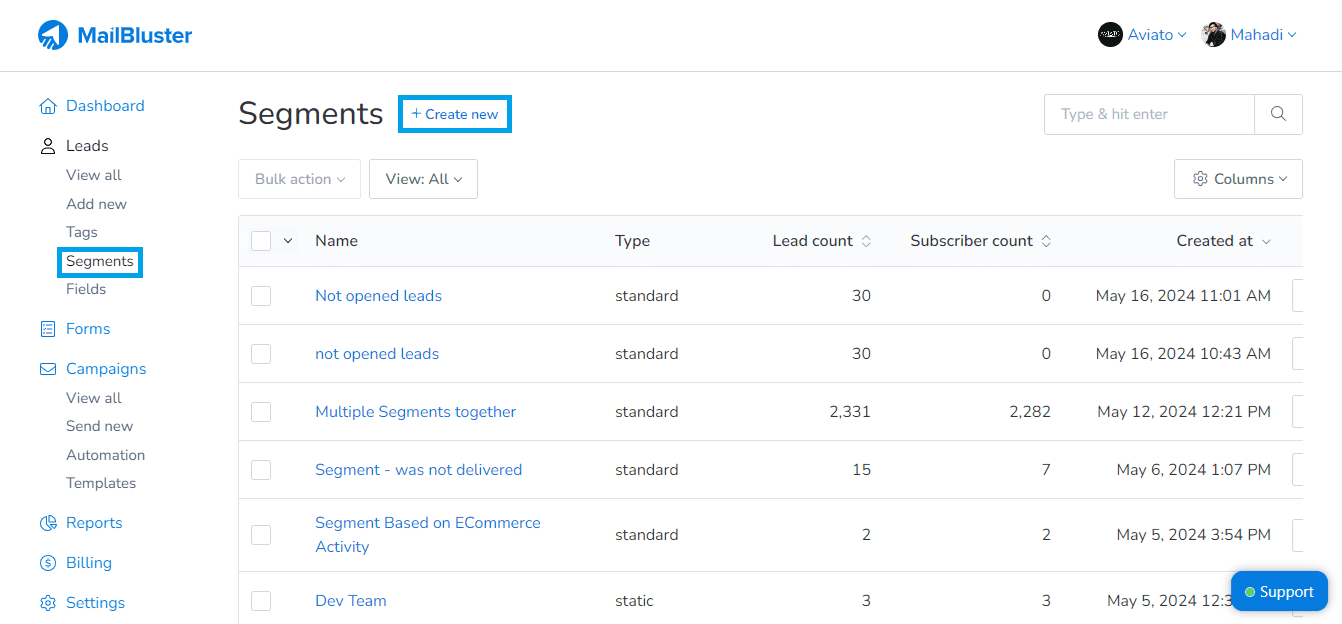
My introduction to Modern Mail Transfer Authority (MMTA) came after the web app was well established in terms of visual identity and core features—save for segmentation. The design process started with a quick survey of email marketing web apps focusing specifically on segmentation functionality. While the market is full of feature-rich email marketing platforms, they all share a similar look and feel. Additionally, the user experience tends to be clunky and requires several steps.
Experience Design
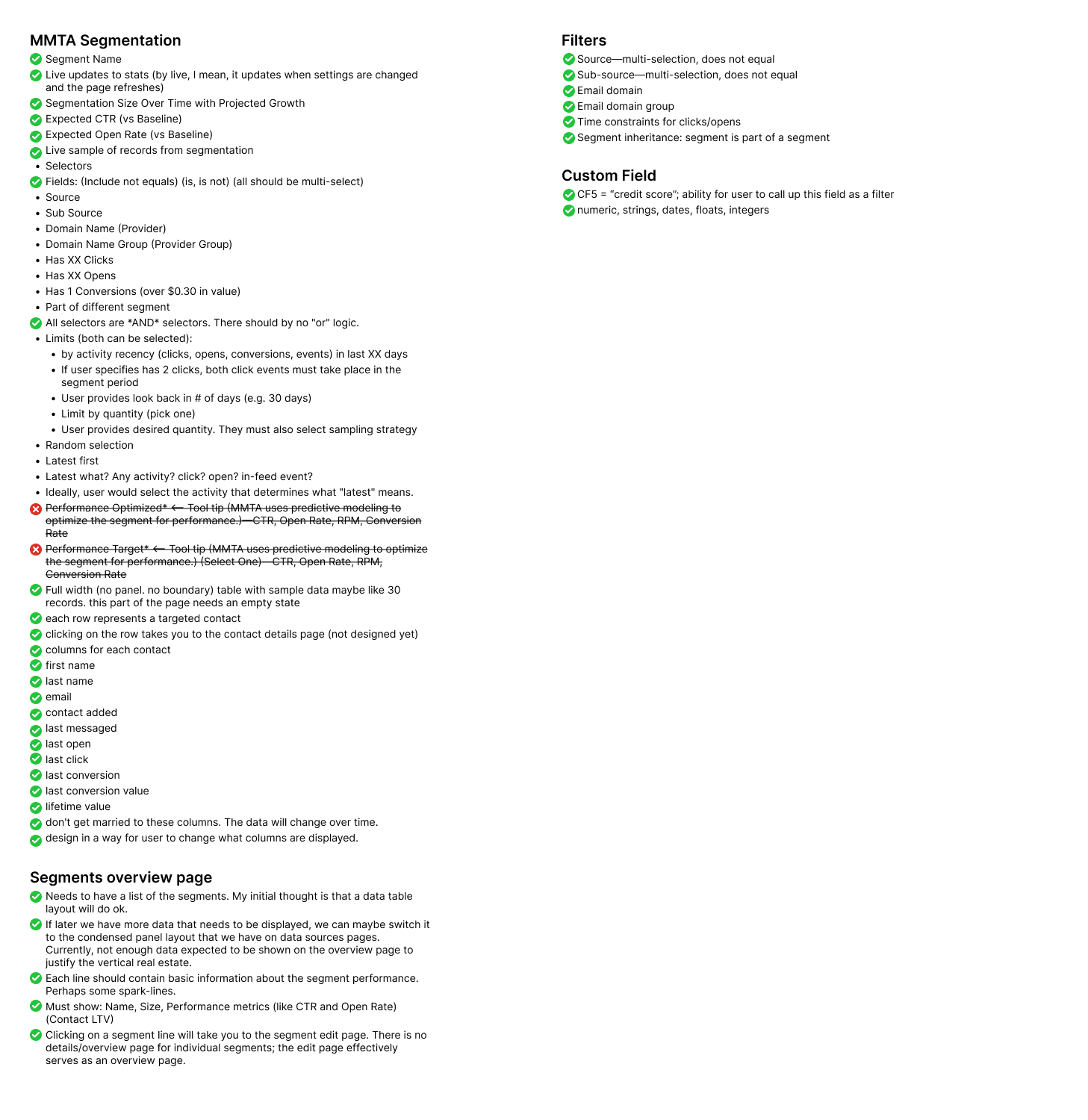
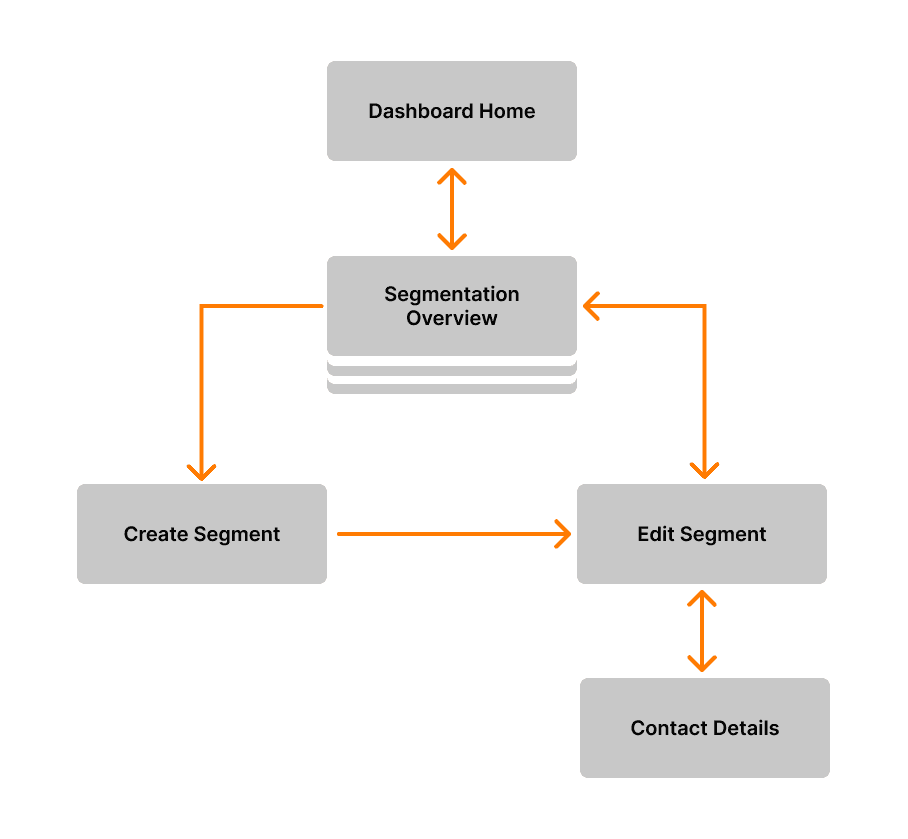
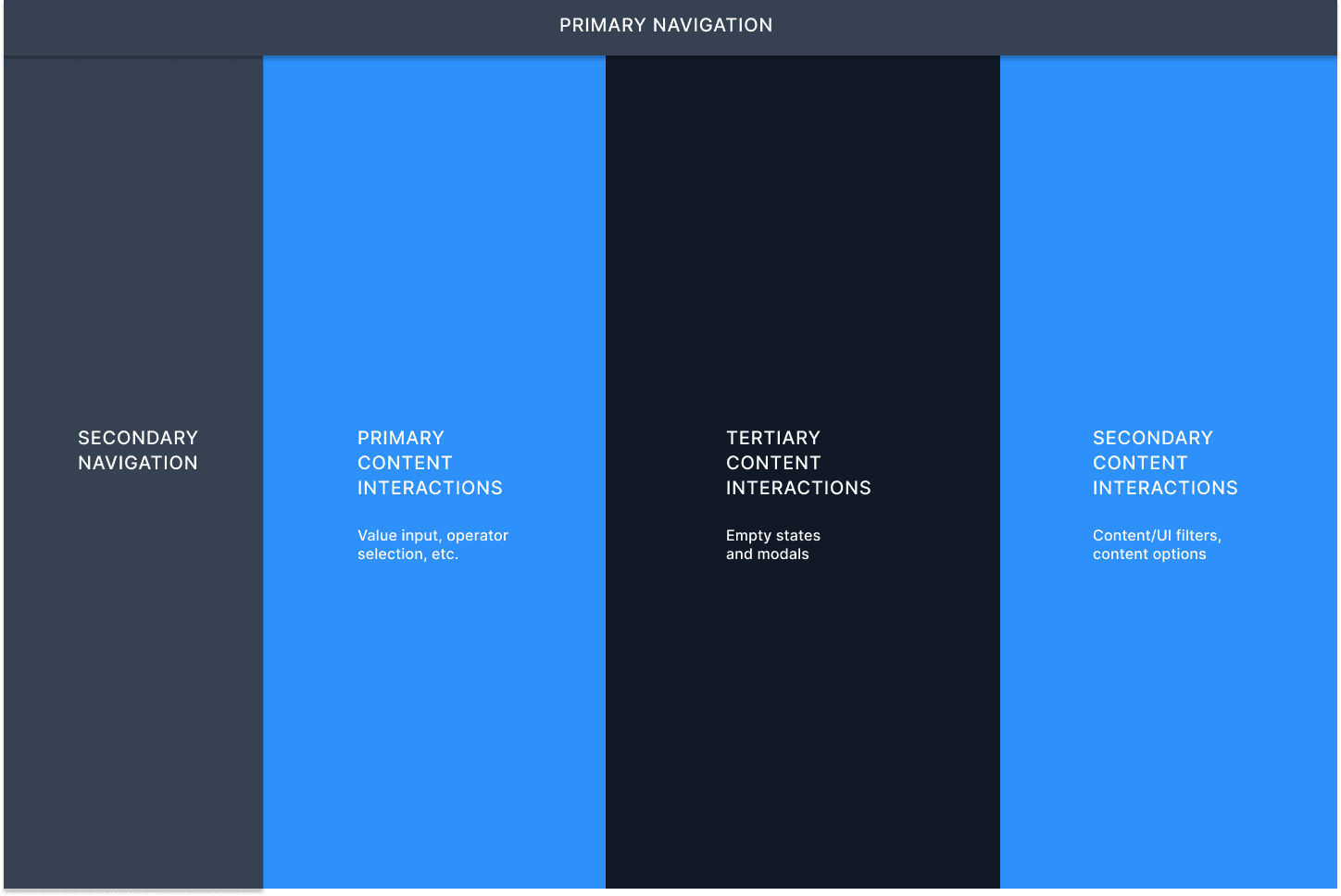
With little time afforded for wireframes, the experience design stage focused on structural deliverables including a focused site map and suggested interface block out. Design quickly proceeded to building comps using a system constructed by designer Andrew Ciobanasiu.
Interface Design
Dynamic React-based search field
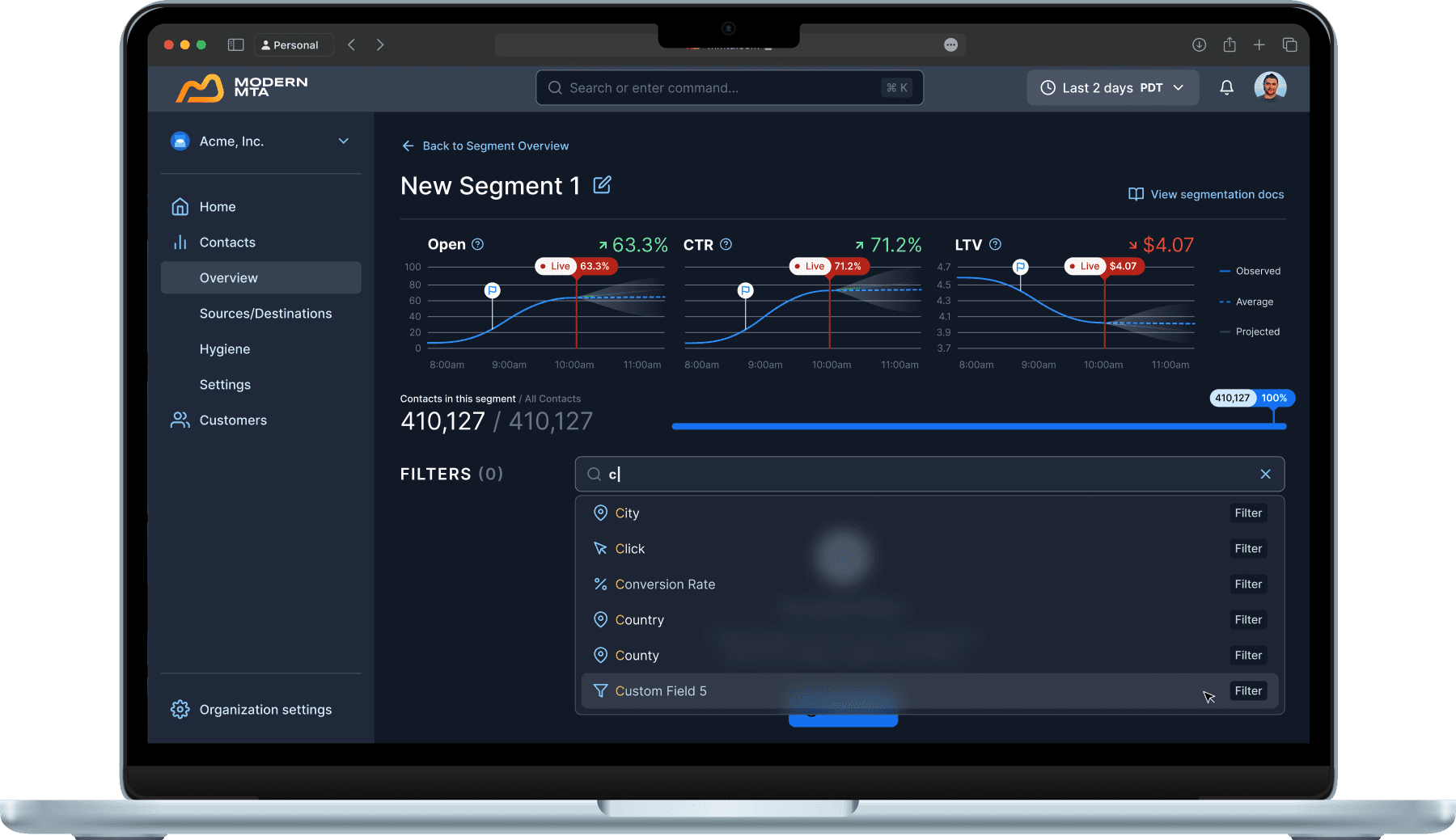
Filter field combines search and drop-down menu functionality. Text input prompts live search, making it easy to find filters and content. User can always click on the field to expose a drop-down menu menu with an alphabetized list of filters.
Flexible, easily customizable filters
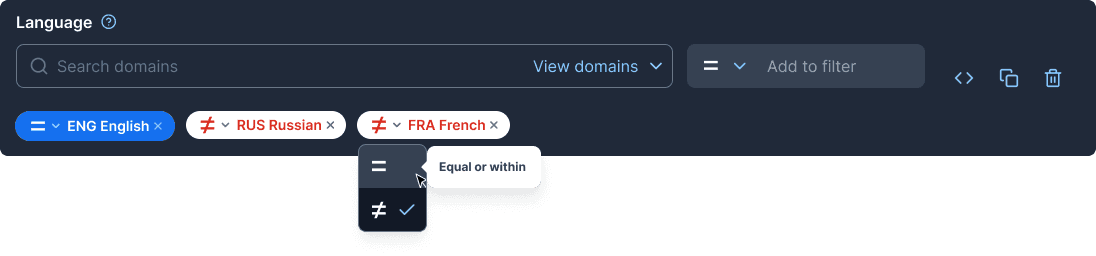
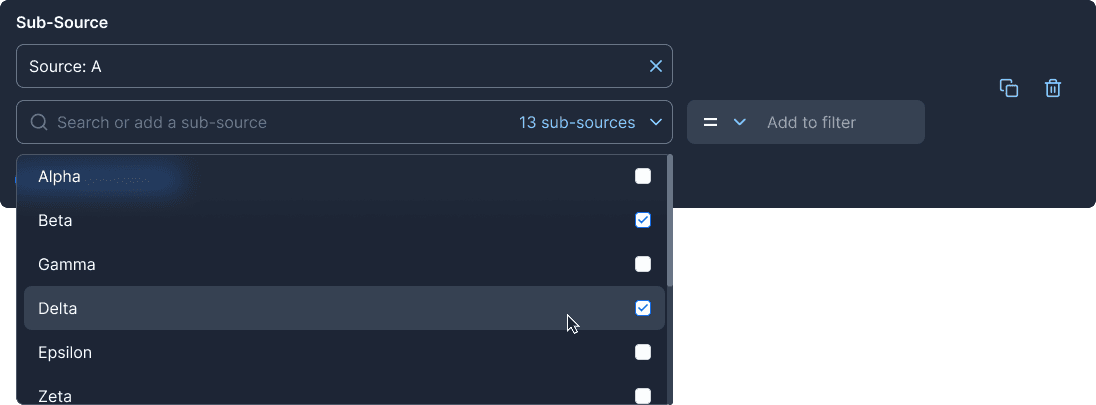
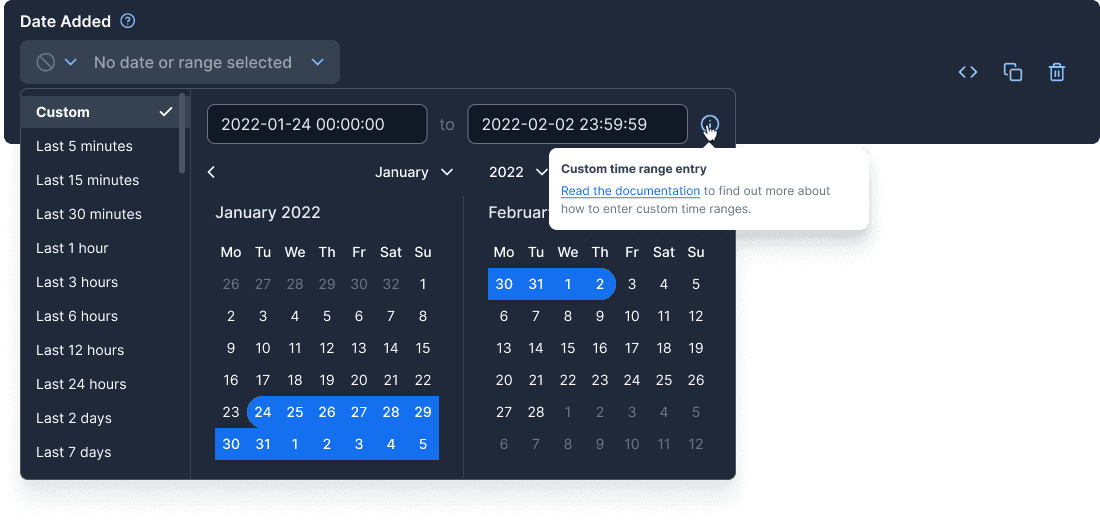
More than three dozen distinct filter interfaces were designed for the segmentation system. Below are three key filters: language, sources and sub-sources, and date added. For each, custom interface elements were designed to maximize the available space and streamline edits without requiring new filters—a common annoyance users report with existing solutions.
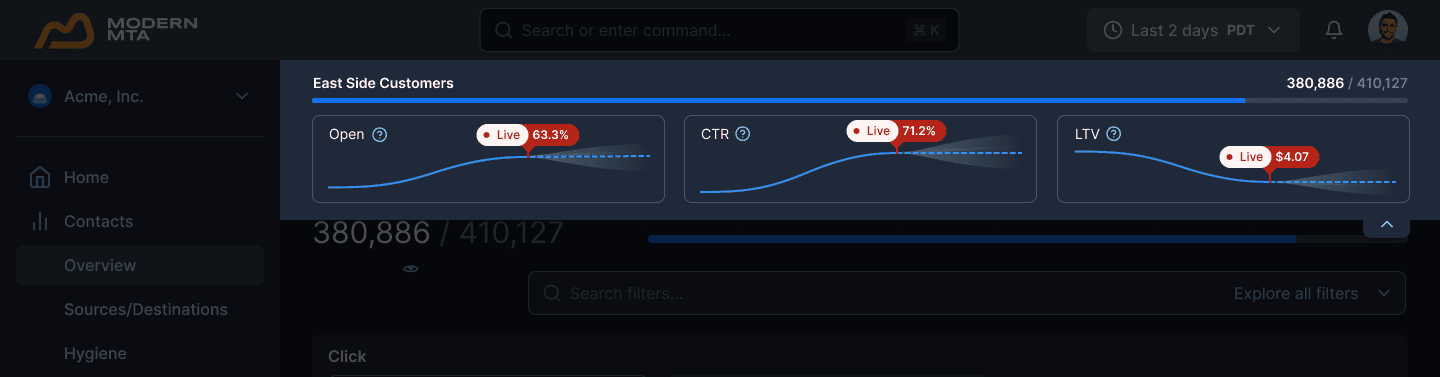
Sticky data visualization
When scrolling the page, data visualizations condense into spark-lines for three customizable metrics. This condensed style occupies a fixed position at the top of the content area as the user scrolls. The sticky ticker can be minimized/maximized as the user desires by tapping/clicking the chevron in the lower right.
Segments overview
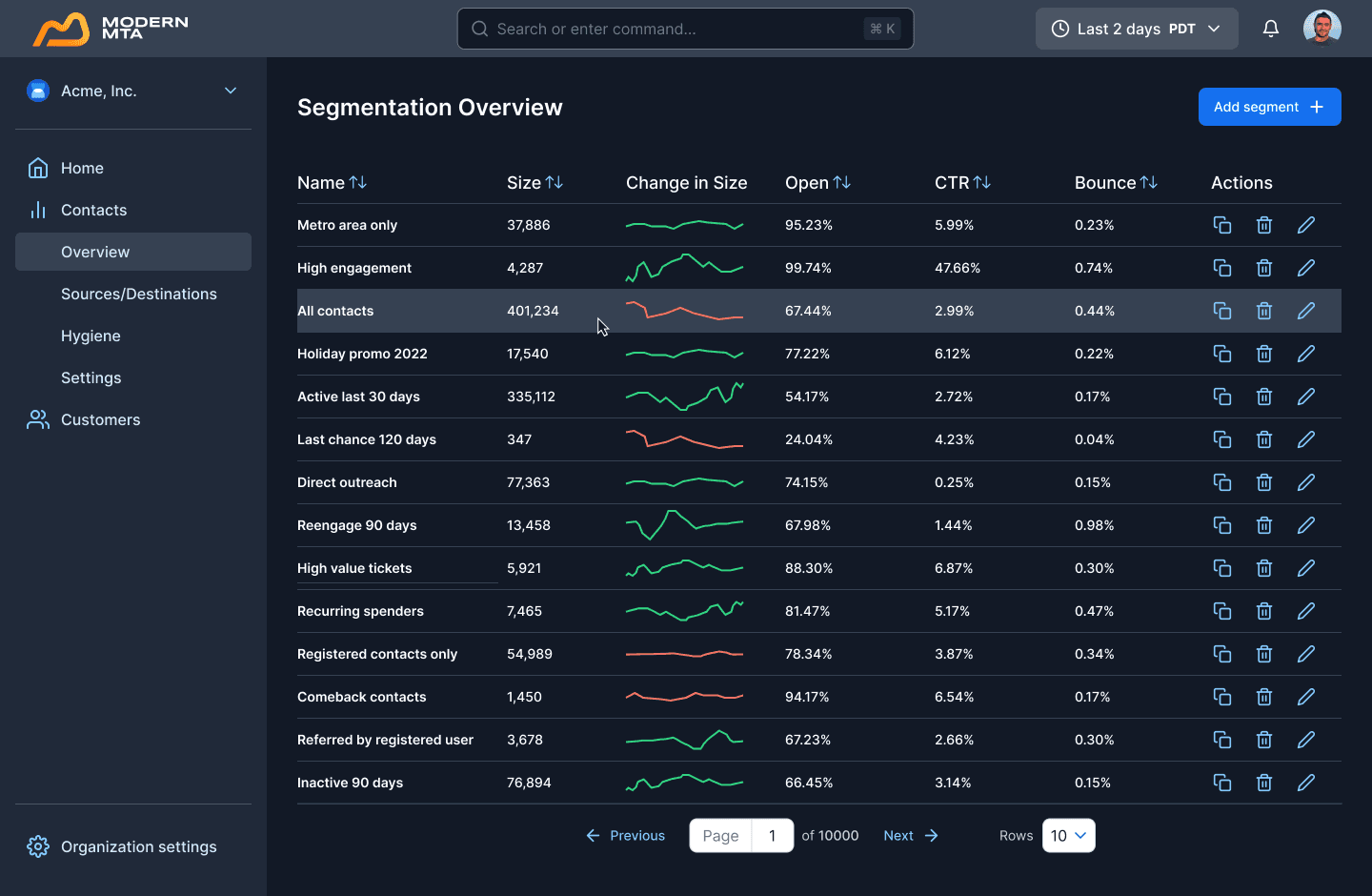
The overview page provides a snapshot perspective of active segments complete with a trending spark line. We opted for pagination to best inform the user as to the number of segments present on their account.